Hacking my home network
Documentation
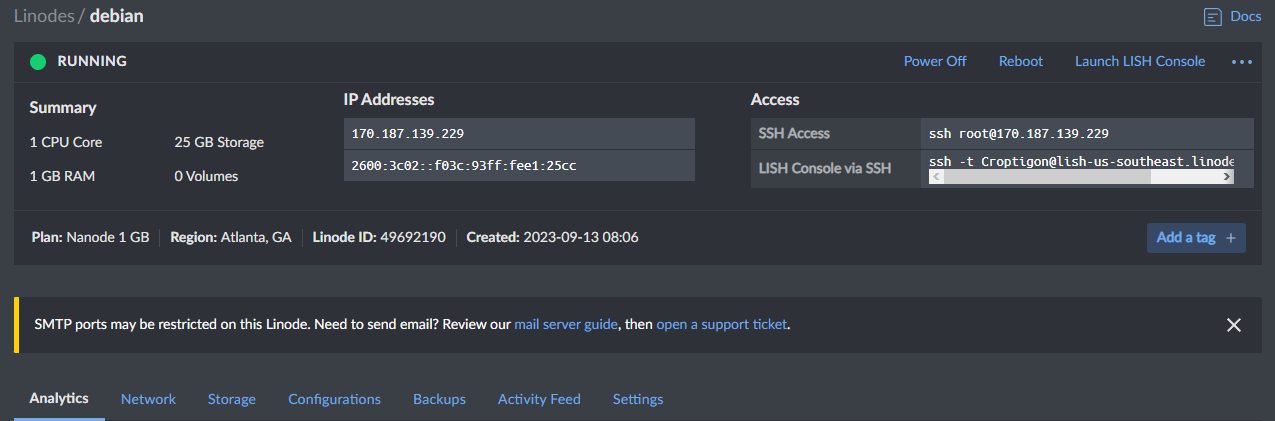
Create Linode server
linode.com
Linode is a way to create cloud based virtual machines.
Its important to scan your network externally. For this exercise we are using Nmap
which does not provide accurate vulnerability analysis from internal scans.
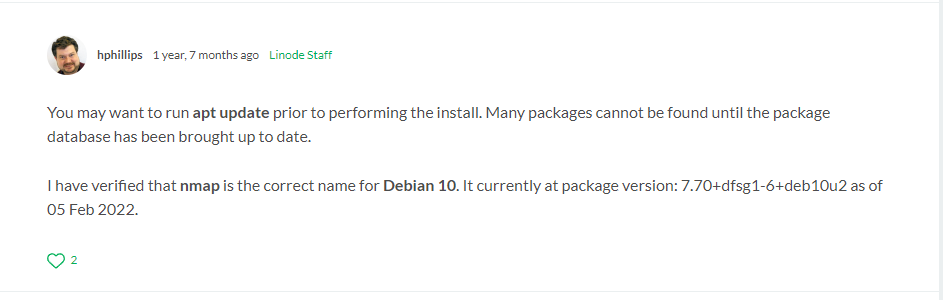
Step one was to install nmap using apt install nmap -y but I was getting an error saying "Unable to find package" After troubleshooting, I found a forum post explaining that many packages cannot be found until the package database has been updated on Linode configurations
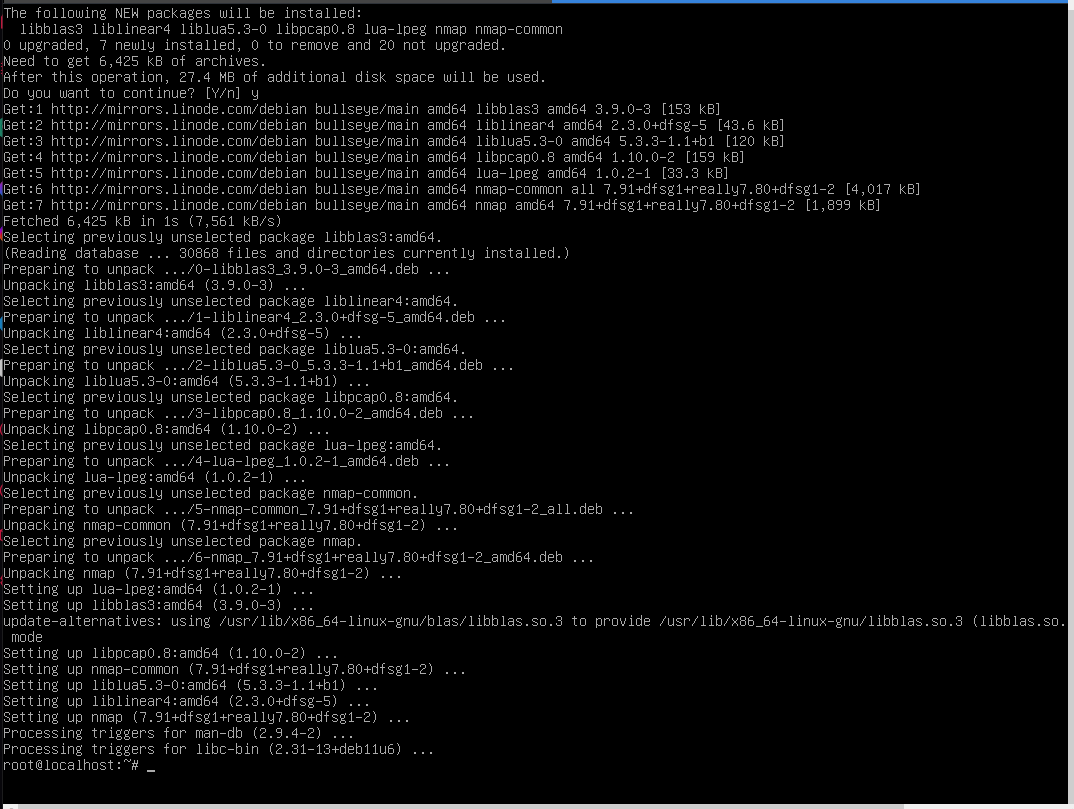
after using apt update I was able to use apt install nmap -y to install needed packages
Next step is using the nmap package with nmap -sT "My IP address"
The -sT argument enables nmap to use a tcp scan on the network
nmap completed scanning and came back with this message
"All 1000 scanned ports on "my IP address" are filtered"
Next I rant his command - "nmap --script vuln myIP"
This came back with the same message as before - "my IP address" are filtered"
Compared to the source, my home network has no apparent vulnerabilities. But if it
did I would take some steps to protect it and harden my router. Another good option to
protect it is by using a VPN but it is still at risk by IoT devices
Logging into my ISP page
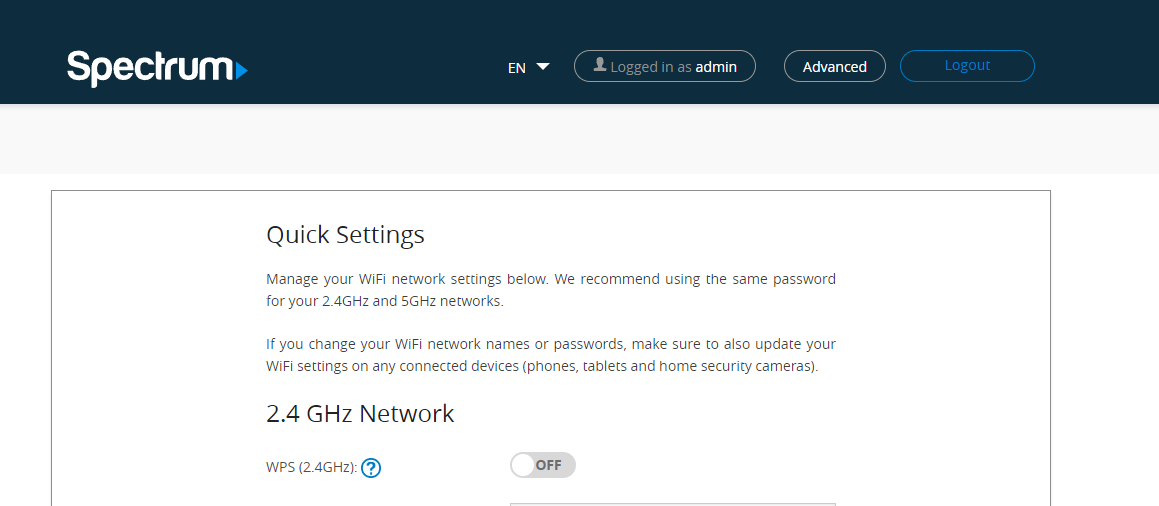
Going to the advanced > Security > Port forwarding section to check for open ports I found I do not have open ports. These are considered holes in the network and its important to plug unused holes
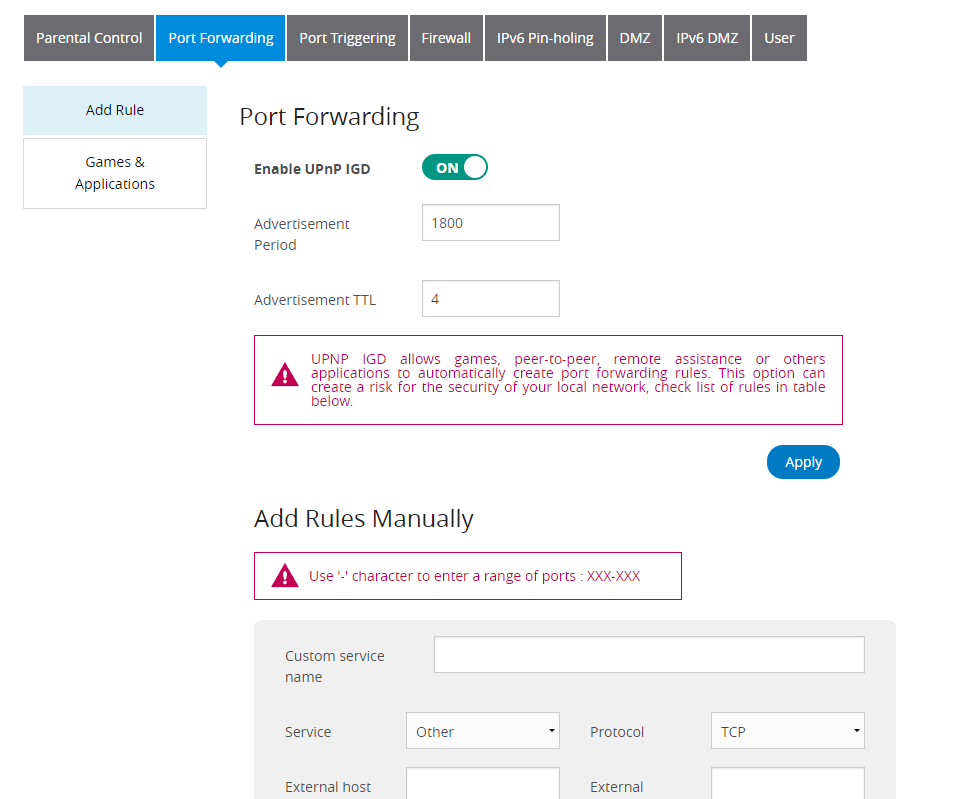
To maintain a secure network you need to turn off port forwarding, turn on firewall, and ensure remote management is off After viewing forums, it seems spectrum routers do not give you the option to turn this off and by default it is on. The solution to improve network security in this case would be using a different router with the option to turn remote access off.
Another big security risk is a lot of routers use default passwords that users never change
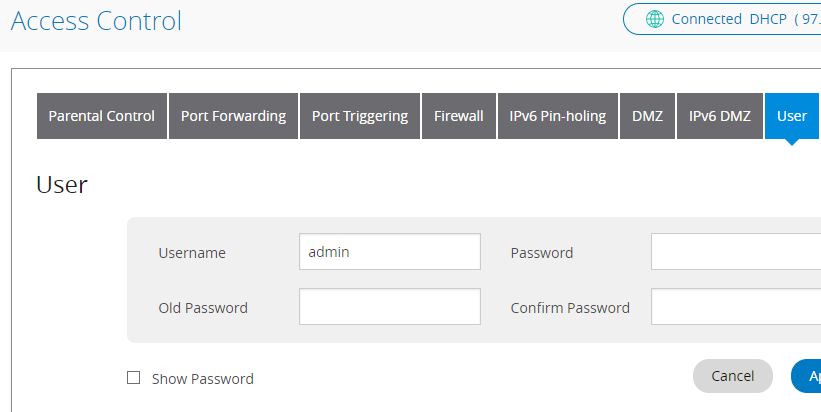
I found the section to change my password in access control > user
My default username was admin and password was admin. This is one security flaw I was able to fix
Checking and updating firmware is a great way to keep your network up to date on known security vulnerabilities
next step is to ensure a secure standard is being used on the wifi such as WPA2 or the most up to date method
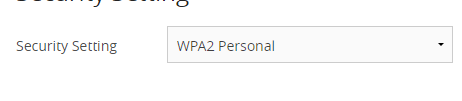
Another security measure is to change the default password and name to protect against the threat of "wardriving"
Don't give passwords even to guests. A lot of routers have options for guest users to protect your network.
Disable the options to ping your network. This is to avoid scans
moving on to IoT (Smart light bulbs, alexa, HVAC)
a good way to protect yourself is putting IoT devices on a separate VLAN and use client isolation

Only certain routers can use features like this using the software -dd-wrt you can do these things
Conclusion: My network was not very succeptible based on the brief overview. However, the router itself is incredibly basic and is missing many security features that limit vulnerabilities. One of those vulnerabilities being an entire attack vector. IoT devices are something im not able to limit vulnerabilities in as my router does not let me create seperate VLANS. Just because my network isnt very vulnerable does not mean that friends and families systems are the same. vulnerabilities are incredibly more likely to be found on home networks as they typically receive very limited user maintenance.